INTERNET
Cable Television

Premium Cable Television Services for Your Home and Business.

Cable Television

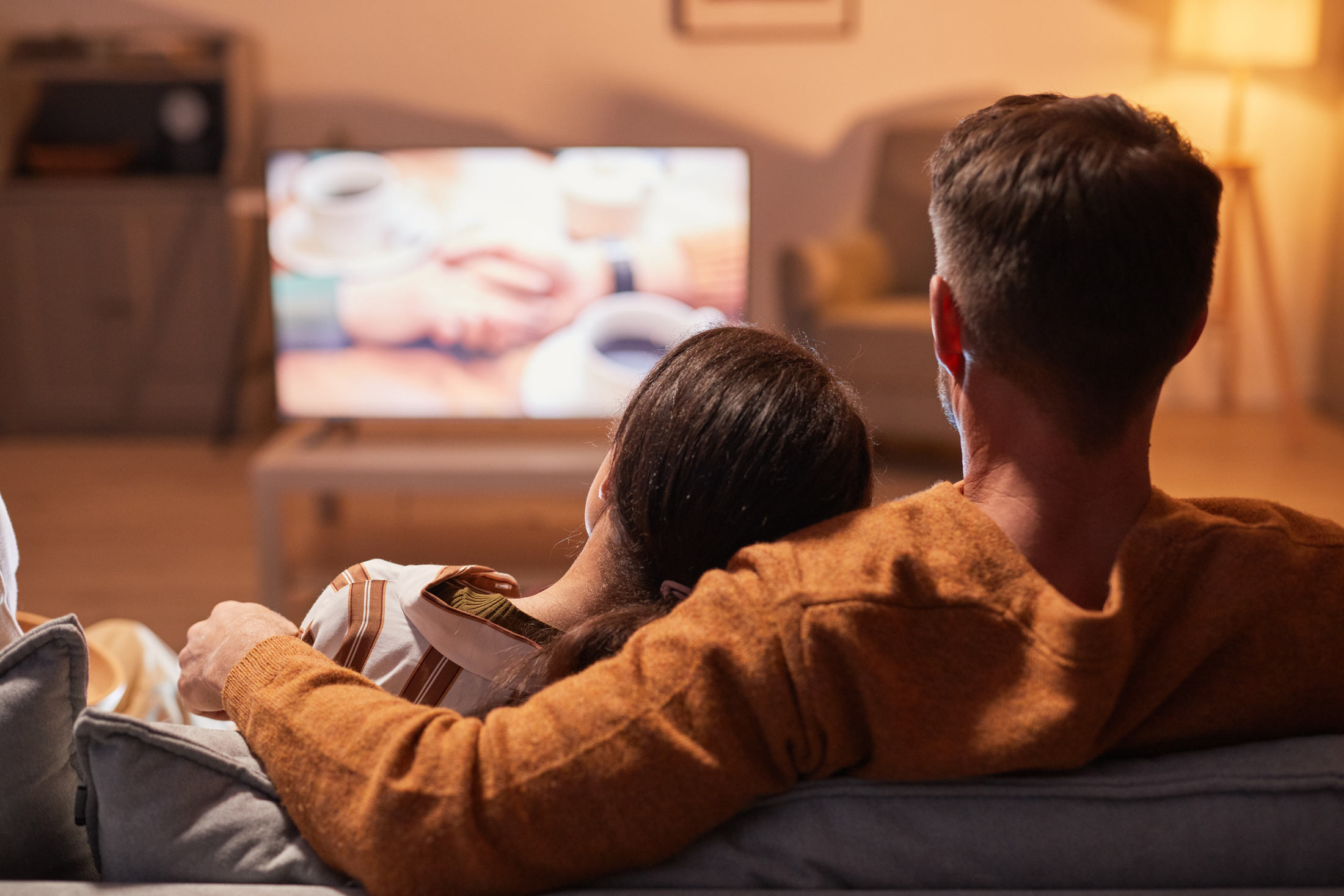
Peachtree Broadband Fiber offers premium cable TV services that bring you the best in entertainment, sports, news, local news channels, and more. With a wide selection of HD channels and on-demand content you can enjoy a viewing experience tailored to your preferences.

Whether you’re relaxing with your favorite shows or catching live events, our cable TV service ensures crystal-clear picture quality and reliable performance for every household.

Cable TV

HD

$ 79.95/month

Get unlimited access to premium cable TV for just $79.95 per month with no hidden fees or contracts.

On-Demand Entertainment.

With over 100 channels at your fingertips, Peachtree Broadband Fiber’s cable TV service offers something for everyone. From movies and sports to news, documentaries, and family programming, you’ll never run out of entertainment options. Enjoy crystal-clear HD quality, easy access to on-demand content, and a seamless viewing experience that brings the best of television right into your home.

Whether you’re catching up on your favorite shows or exploring new ones, our 100+ channels ensure there’s always something to watch.

Over 100 Channels Available!

Frequently Asked Questions

Can I bundle cable TV with internet and phone services?

Yes, Peachtree Broadband Fiber offers convenient bundles that combine internet, phone, and cable TV services. This allows you to enjoy all your services under one affordable plan with added convenience.

Do I need any special equipment to access cable TV?

Peachtree Broadband Fiber provides all necessary equipment to get you started with cable TV. If you prefer to use additional devices like DVRs or smart TVs, our system is fully compatible with those options as well.

Is there a contract for Peachtree Broadband Fiber’s cable TV service?

No, we believe in straightforward service with no long-term contracts or hidden fees, giving you the freedom to enjoy our cable TV services without any obligations.

Why are some of my cable channels missing?

We have upgraded all of our channels to a digital signal. This may cause your television to lose some channels. This can be solved by performing and autoscan on your tv to recapture those lost channels. Here is how:

To auto-scan channels on your television, please follow these steps:
1. Connect and Power On: Ensure your cable line is connected directly to the TV and turn it on.
2. Open the Menu: Press the Menu or Settings button on your remote.
3. Locate Channel Settings: Select the option for Channels, Setup, Tuner, Installation, or Broadcast.
4. Select Signal Source: Choose Air/Antenna or Cable.
5. Start the Scan: Select Auto-Scan, Auto-Program, Channel Search, or Autotune.
6. Finish: Wait for the scan to reach 100% completion before closing the menu.